Add the widget to Shopify
The Ovellan app puts your bot on your Shopify store and syncs your whole catalogue on its own, so it can answer about real products and prices. No theme editing beyond a single toggle.
Step 1: Add the app
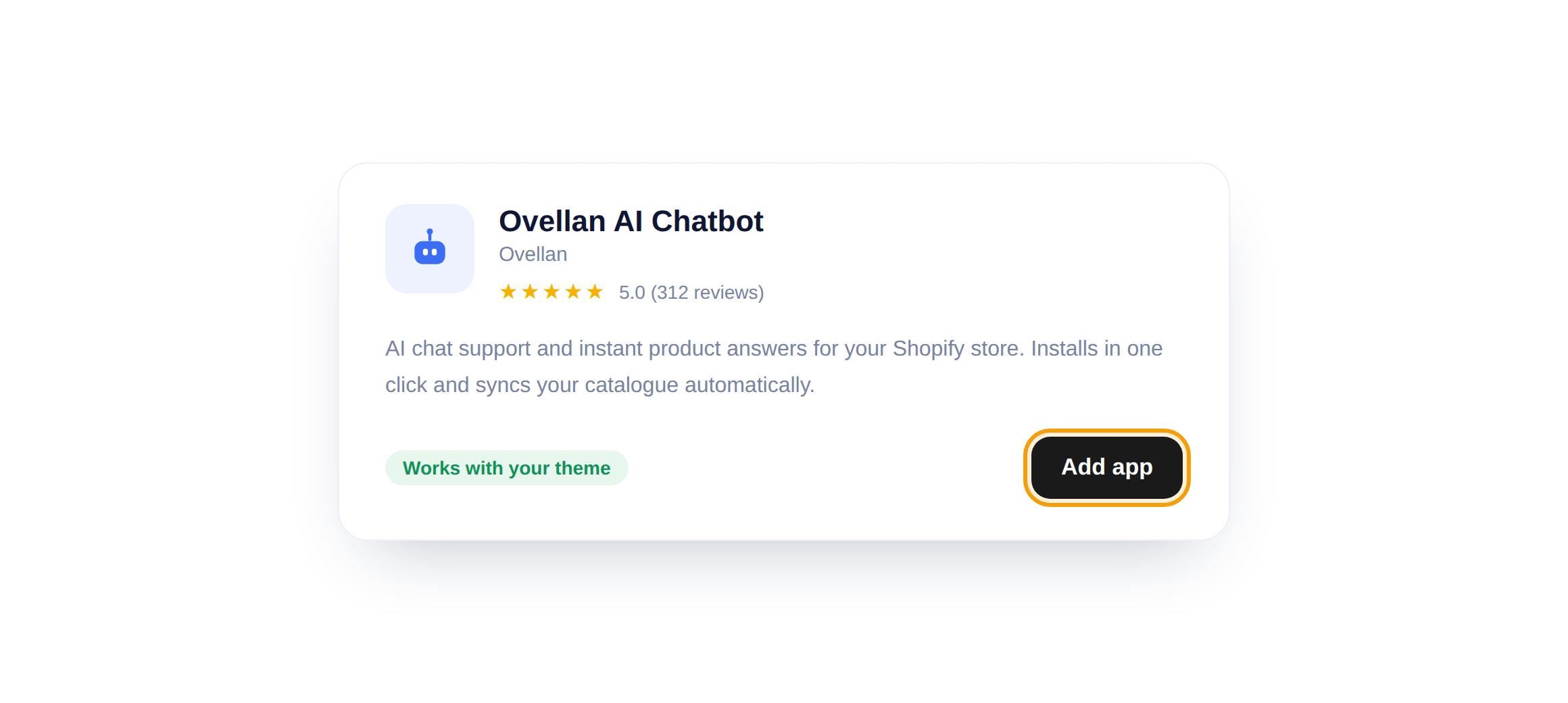
From the Shopify App Store, open Ovellan AI Chatbot and click Add app, then approve the install for your store.
Step 2: Turn on the widget
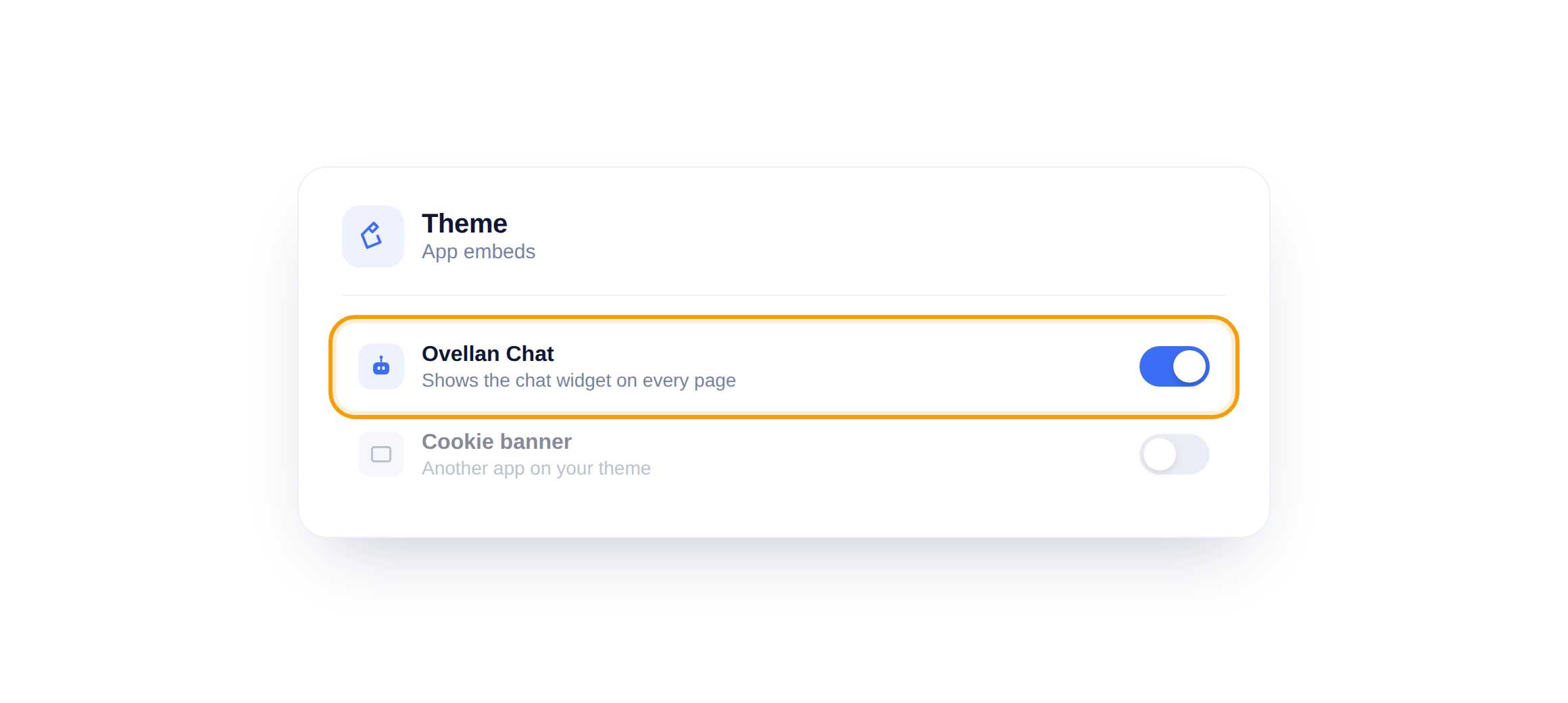
In your theme, open App embeds and switch on Ovellan Chat. That is what places the chat bubble on every page of your store.
Step 3: Let your catalogue sync
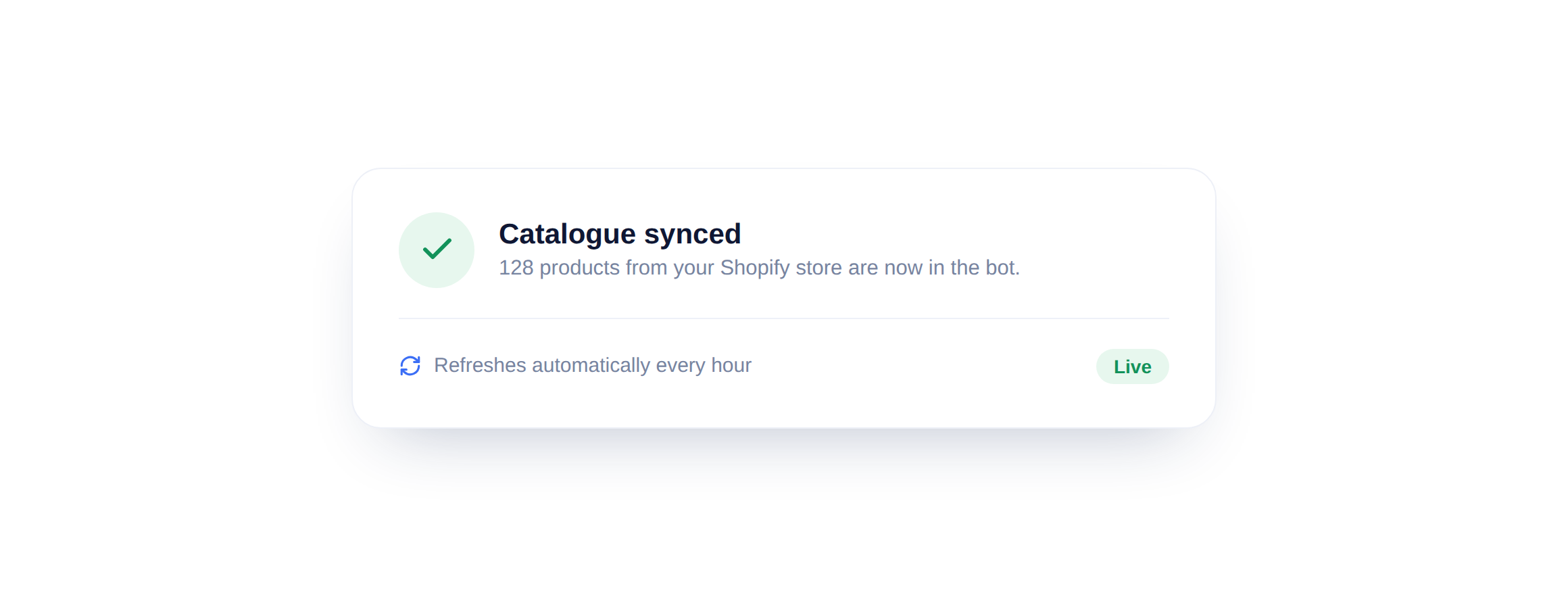
There is no step three to do by hand. The app pulls in your products automatically and refreshes them every hour, so the bot always quotes the price a shopper sees at checkout.
Prices stay honest
Because the catalogue refreshes hourly, a price change in Shopify reaches the bot the same day. You never have to re-upload anything.
Did this answer your question?
Still need a hand?Email our team and we answer within one business day.