Install the chat widget
Your bot is built. Now put it on your site. It takes one line of HTML, no plugins and no developer, and it loads on every page that shares the same template.
Step 1: Copy your embed code
Open Install in your bot's settings. You will see a single <script> tag with your Bot ID already in it. Click Copy code.
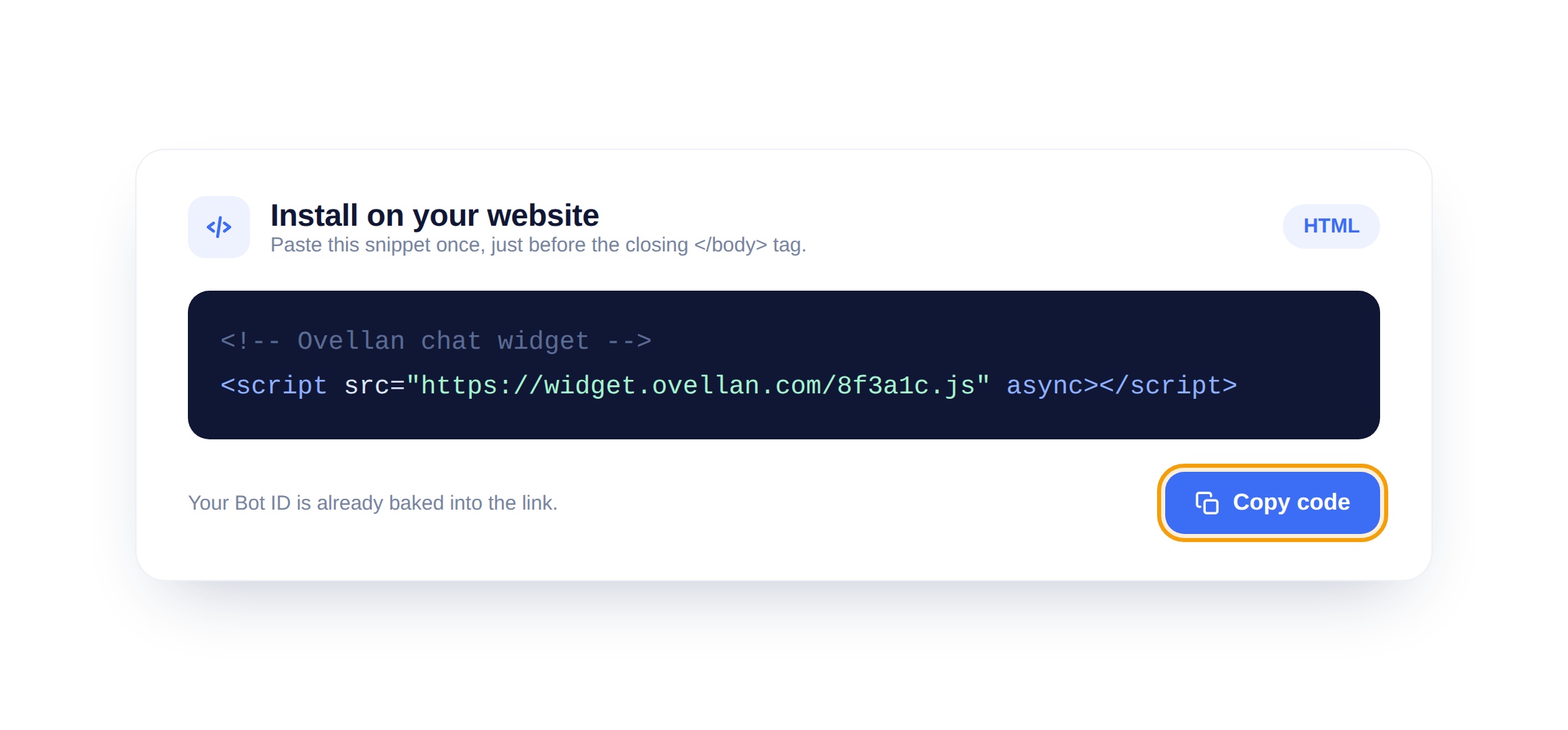
Step 2: Paste it before the body tag
In your site's HTML, paste the snippet just before the closing </body> tag. That is the only place it needs to go.
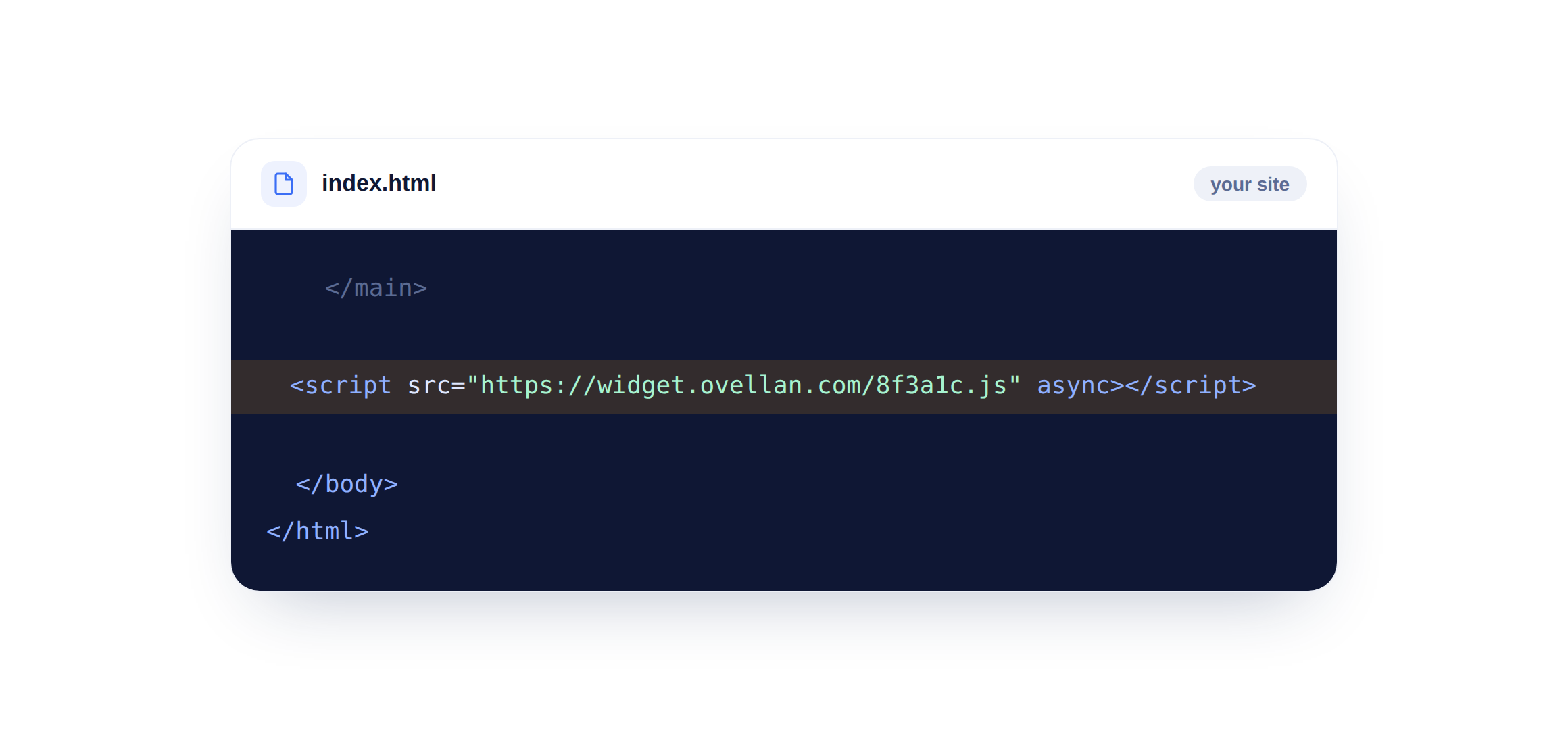
Step 3: See it live
Save, refresh your site, and the chat bubble appears in the corner. Click it and you are talking to your bot. Because the script loads async, it never slows the page down.
You do not need to touch code at all. Use our plugin or app instead, they drop the widget in for you.
Using a platform?
We have step-by-step guides for WordPress and Shopify. For Webflow, Wix or Squarespace, paste the same snippet into their custom-code or footer section.