Connect Facebook Messenger
If people message your Facebook Page, your bot can pick up those chats too, with the same answers it gives everywhere else.
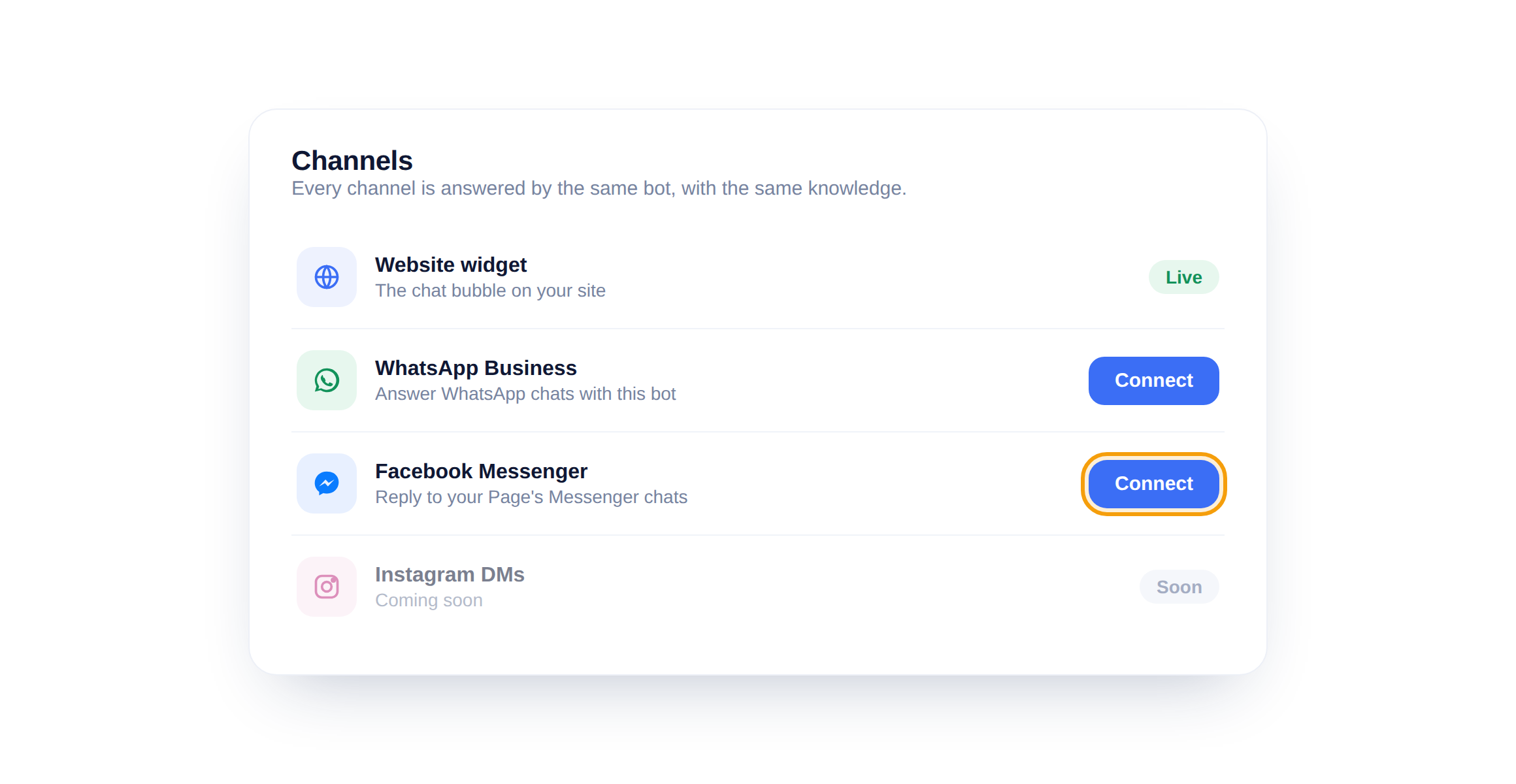
Open the Messenger channel
In Channels, find Facebook Messenger and click Connect. Sign in with Facebook, choose the Page you want the bot to answer for, and grant the messaging permission when asked.
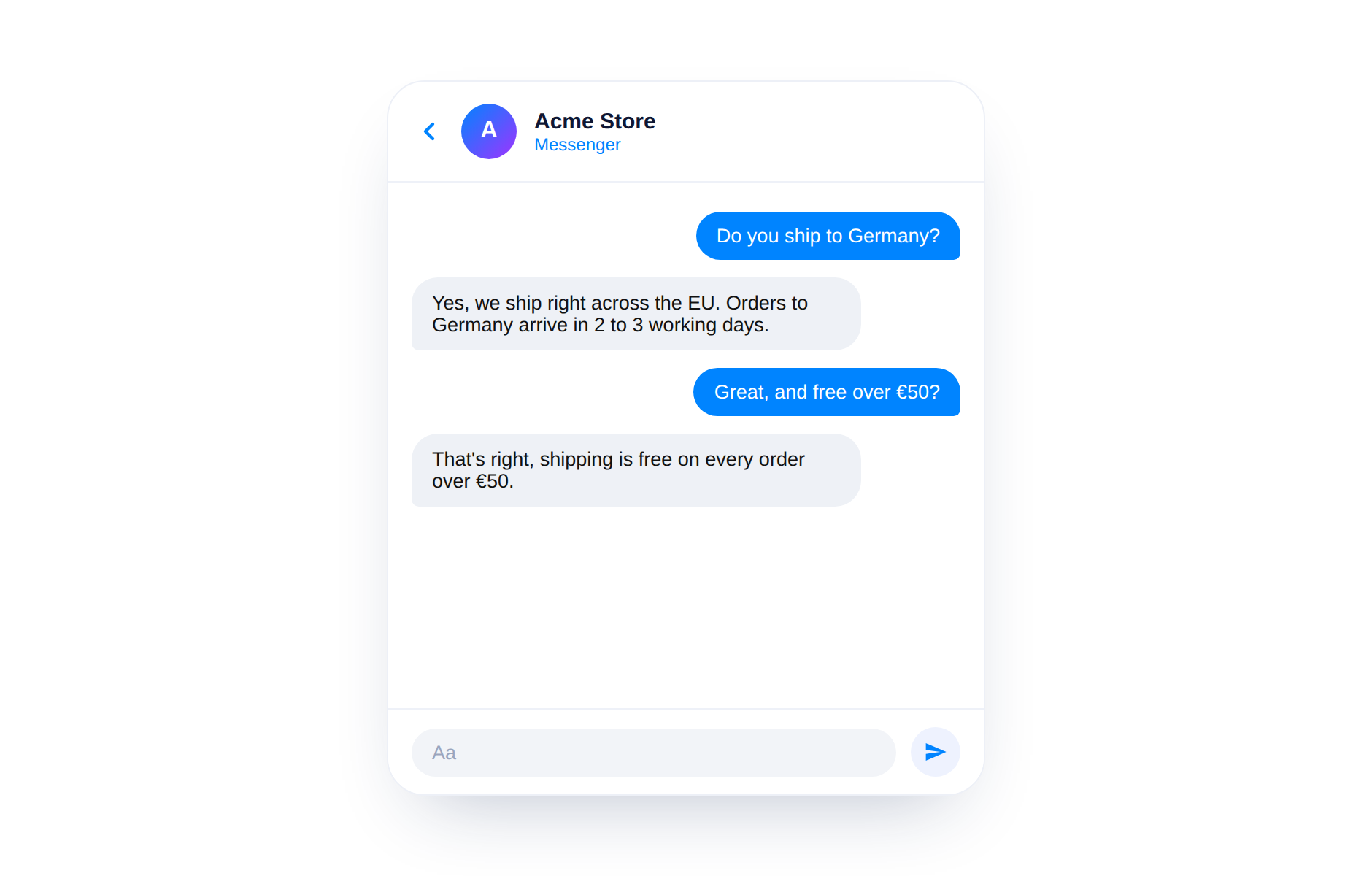
See the bot reply
From then on, Messenger chats to that Page get an instant answer. Your team can still jump in from the shared inbox whenever a conversation needs a human.
Handover still works
Even on Messenger, a visitor can ask for a person and the chat lands in your inbox. The bot handles the routine, your team handles the rest.
Did this answer your question?
Still need a hand?Email our team and we answer within one business day.