Push leads to your CRM
When the bot captures a lead, it does not have to sit in Ovellan. Send it straight to your CRM so your team works it where they already live.
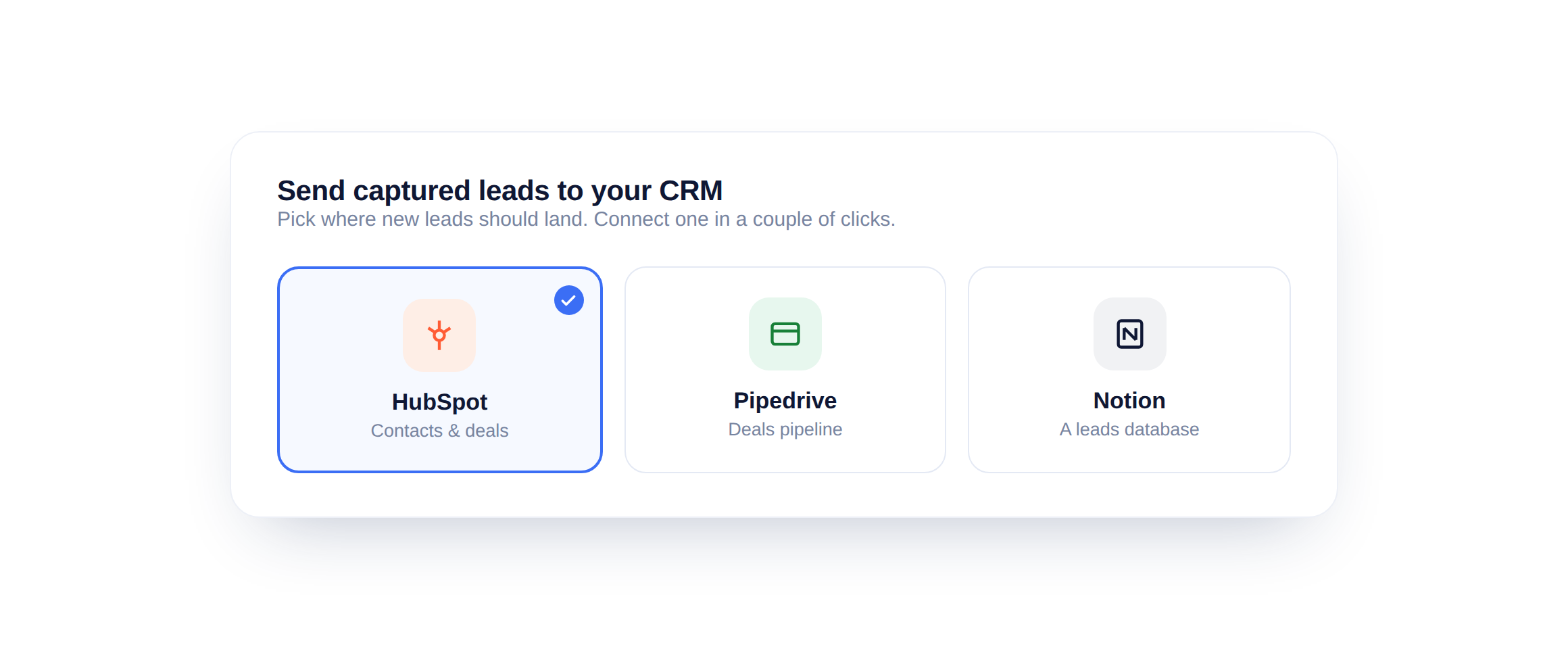
Choose your CRM
Open the CRM settings and pick where leads should go: HubSpot, Pipedrive or Notion. Connect it once and new leads flow in automatically.
Map your fields
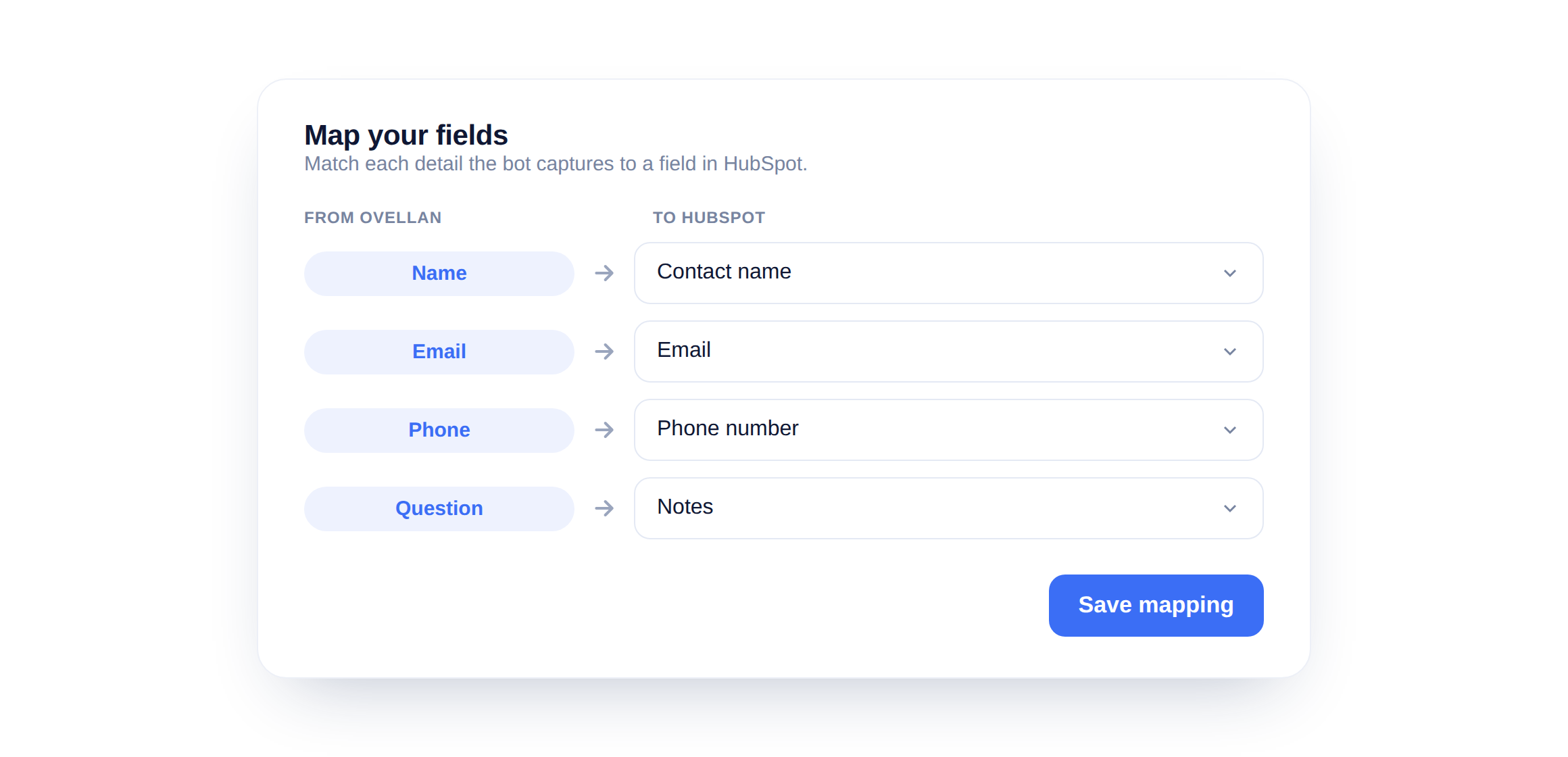
Match each detail the bot captures to a field in your CRM: name to contact name, email to email, the question to a note. Save the mapping and every future lead follows it.
Capture before you push
A lead only reaches your CRM if the bot collected it. Make sure the bot asks for a name and email, through a welcome step or a pre-chat form, so there is something to send.
Did this answer your question?
Still need a hand?Email our team and we answer within one business day.