Response tone and language
Two settings decide how the bot comes across: the tone it writes in, and the language it answers in. Both take one click.
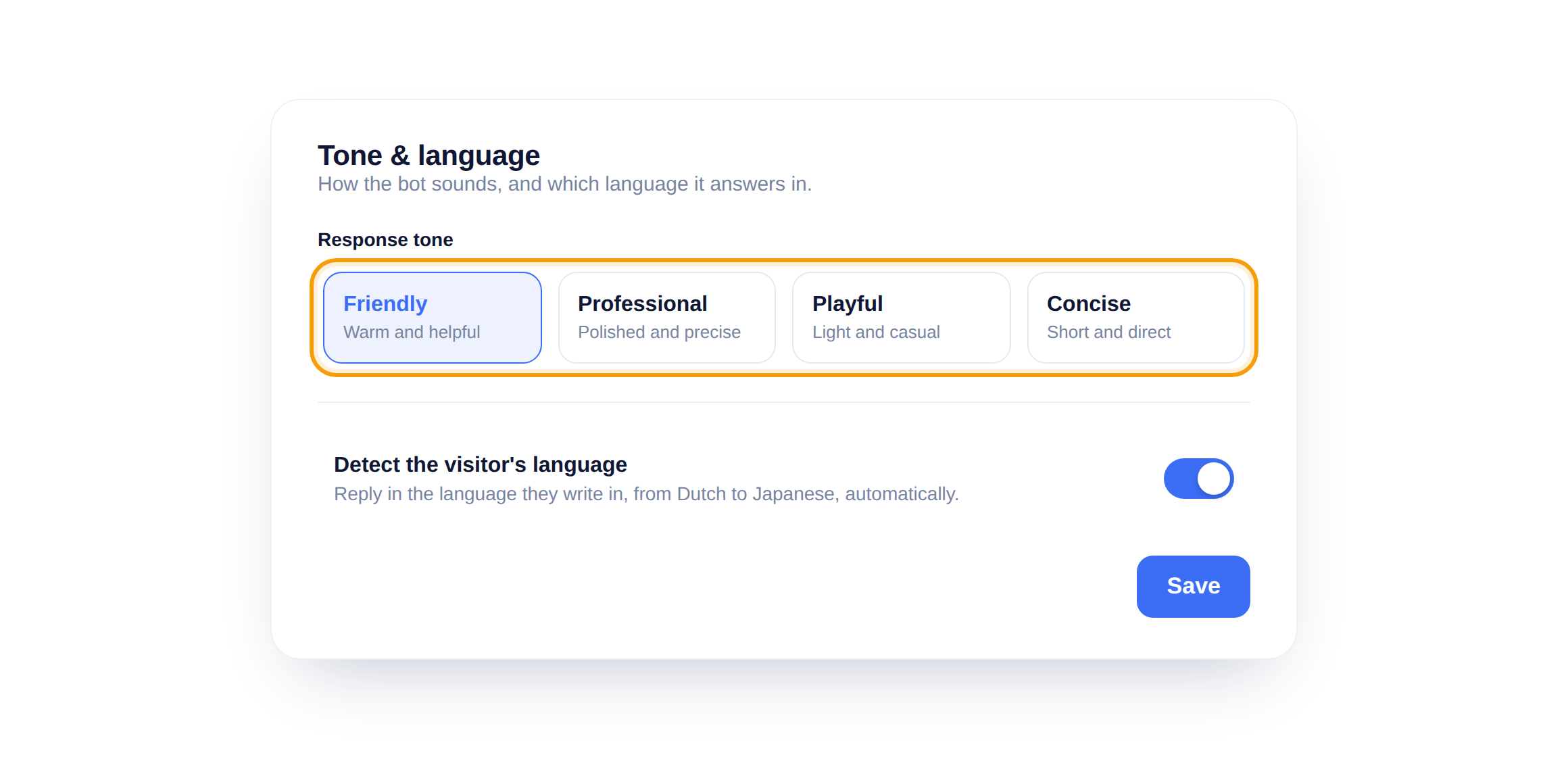
Pick a tone
Choose a response tone and every answer takes on that voice, from friendly to concise. It changes the wording, never the facts, so your knowledge base still drives what the bot says.
Answer in the visitor's language
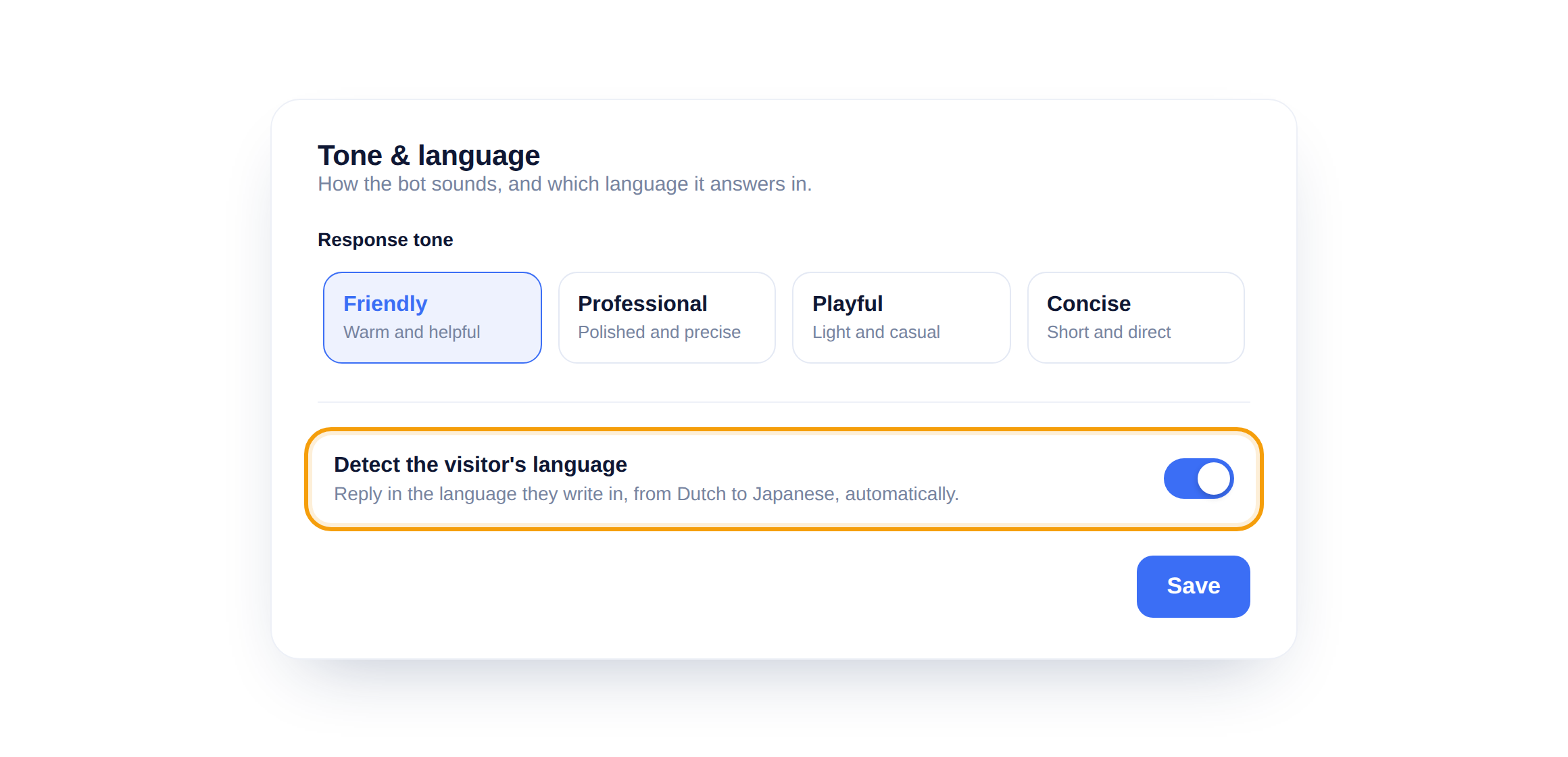
Turn on Detect the visitor's language and the bot replies in whatever language someone writes in, switching per visitor. One bot covers Dutch, English, German and more.
Tone shapes words, not facts
Changing the tone never changes an answer's meaning. The bot still pulls facts from your knowledge base, it just says them in a different voice.
Did this answer your question?
Still need a hand?Email our team and we answer within one business day.