Greetings and messages
The first thing a visitor reads is yours to write. These settings shape how a conversation opens, and what happens when the bot is unsure.
Write the welcome greeting
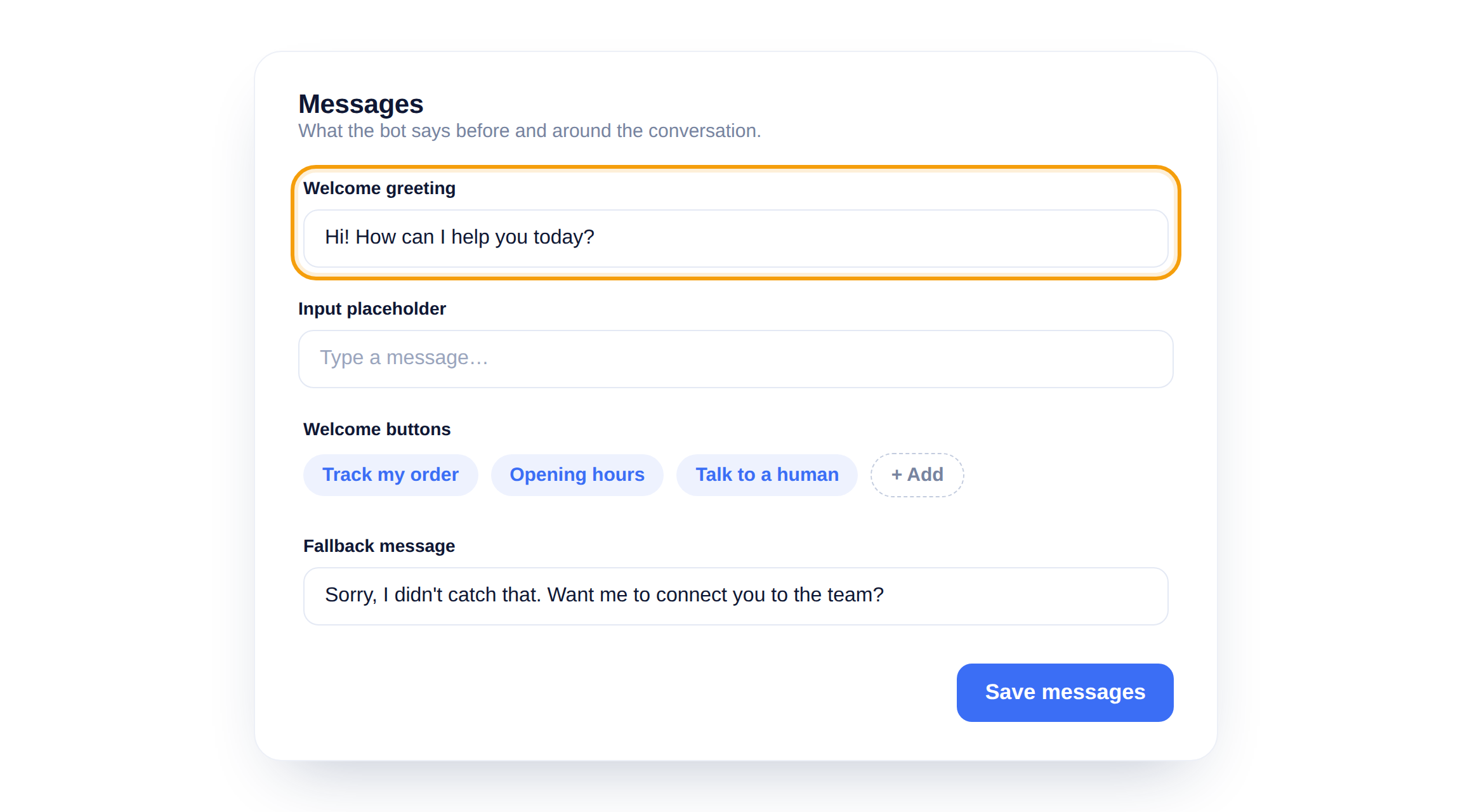
The welcome greeting is the first message in the widget. Make it specific to you, 'Hi! Ask us anything about your order' beats a plain 'Hello'.
Add welcome buttons
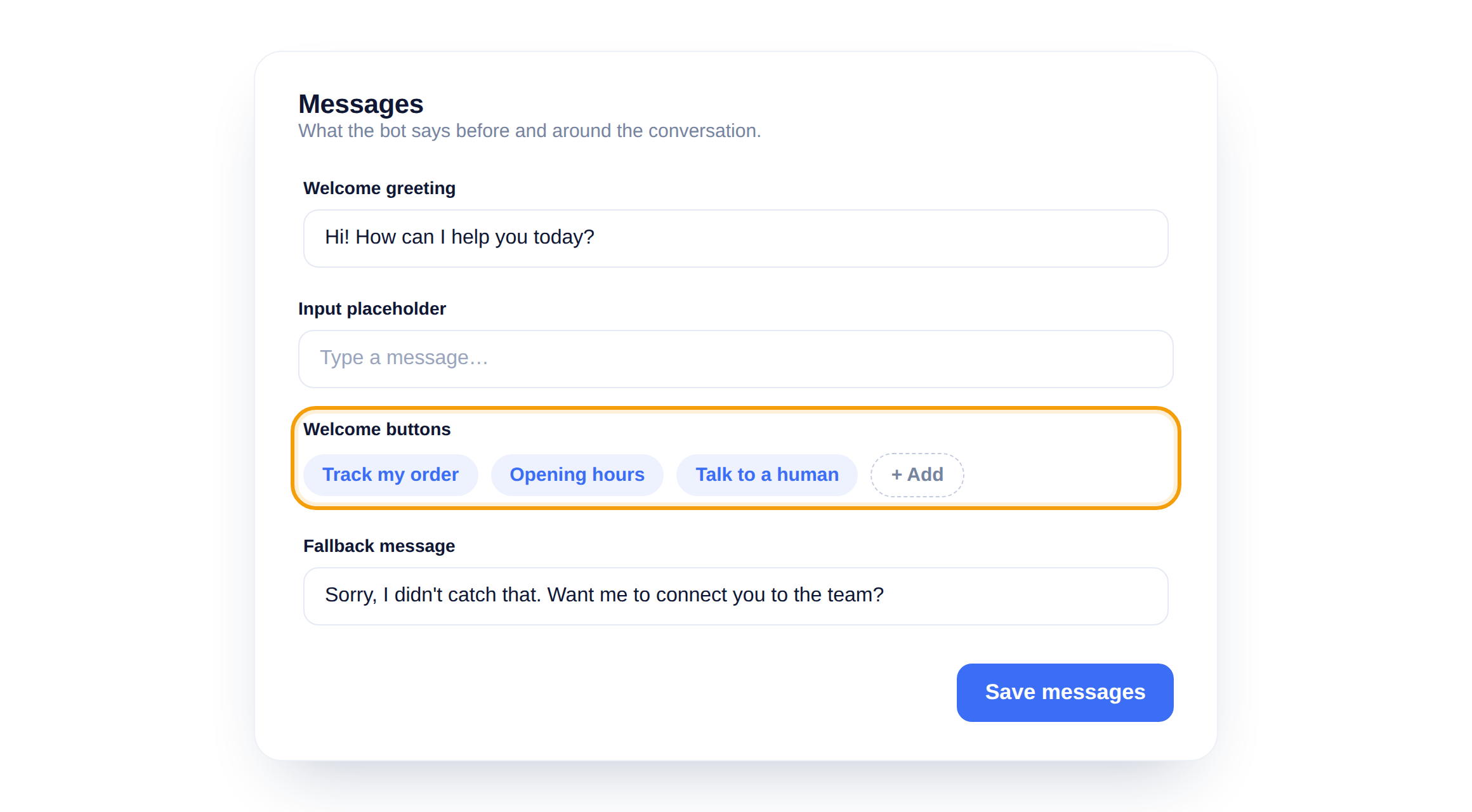
Welcome buttons are one-tap starters under the greeting. Add the three or four things people ask for most, so they can begin without typing a word.
Set the fallback message
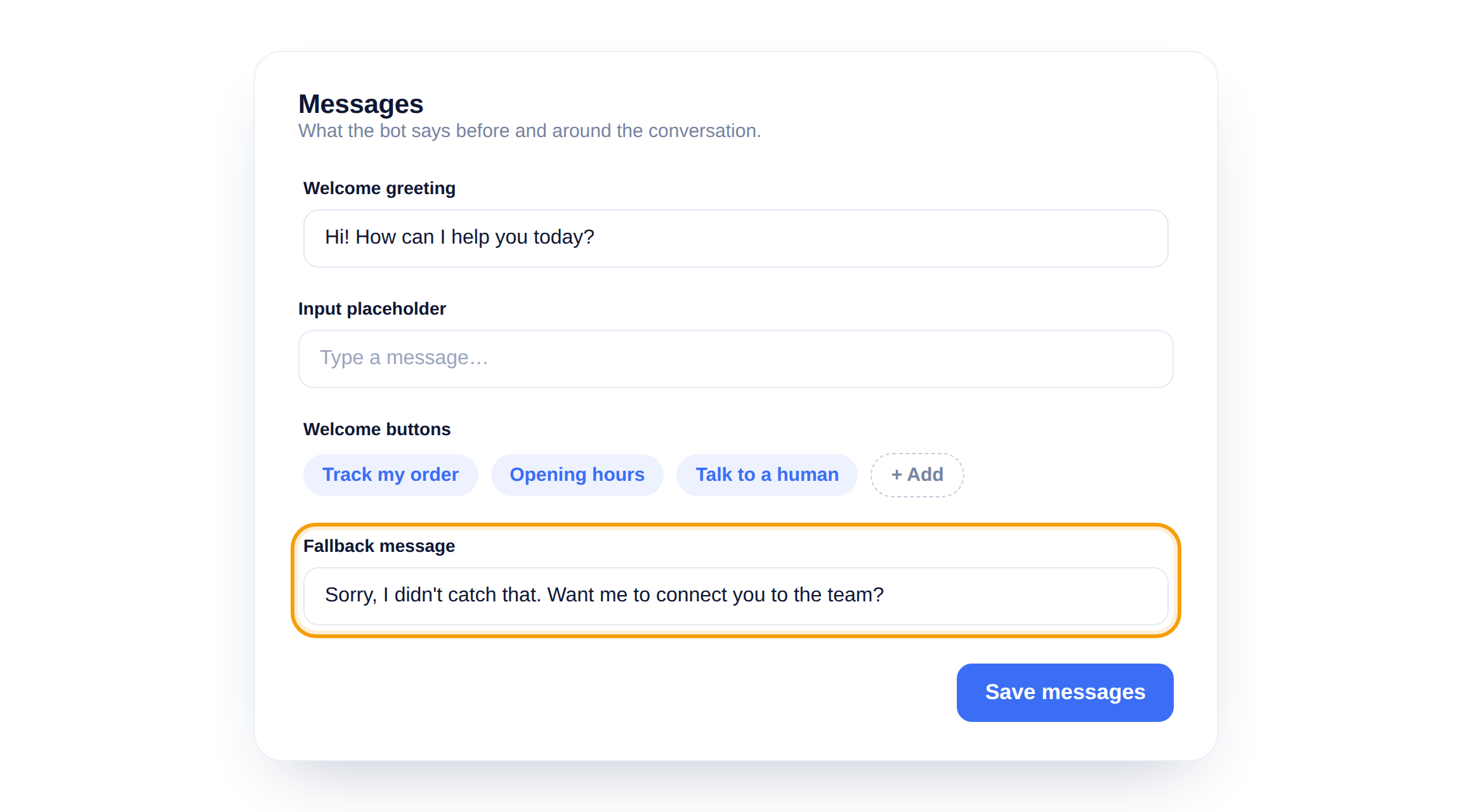
When the bot cannot answer, it sends your fallback message. Use it to offer a way forward, like handing off to your team, instead of a dead end.
Buttons beat a blank box
An empty chat box makes people think. Two or three welcome buttons tell them what the bot can do and get them to an answer faster.
Did this answer your question?
Still need a hand?Email our team and we answer within one business day.