Add teammates
Support is a team sport. Invite your colleagues so they can answer chats from the shared inbox, each with the right level of access.
Invite someone
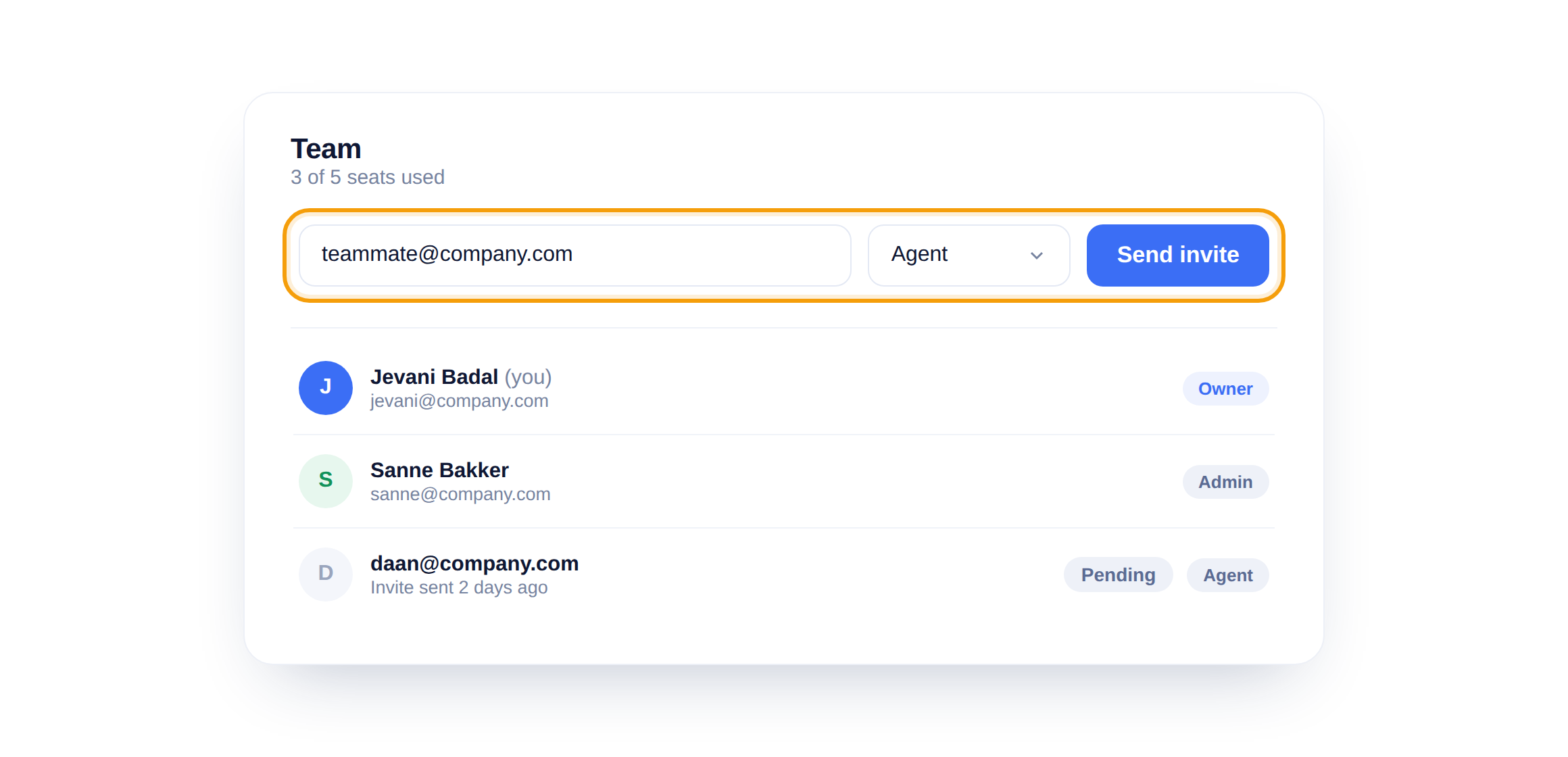
Type their email, pick a role, and click Send invite. They get a link to join your workspace, with no setup on their end beyond accepting.
See who is on the team
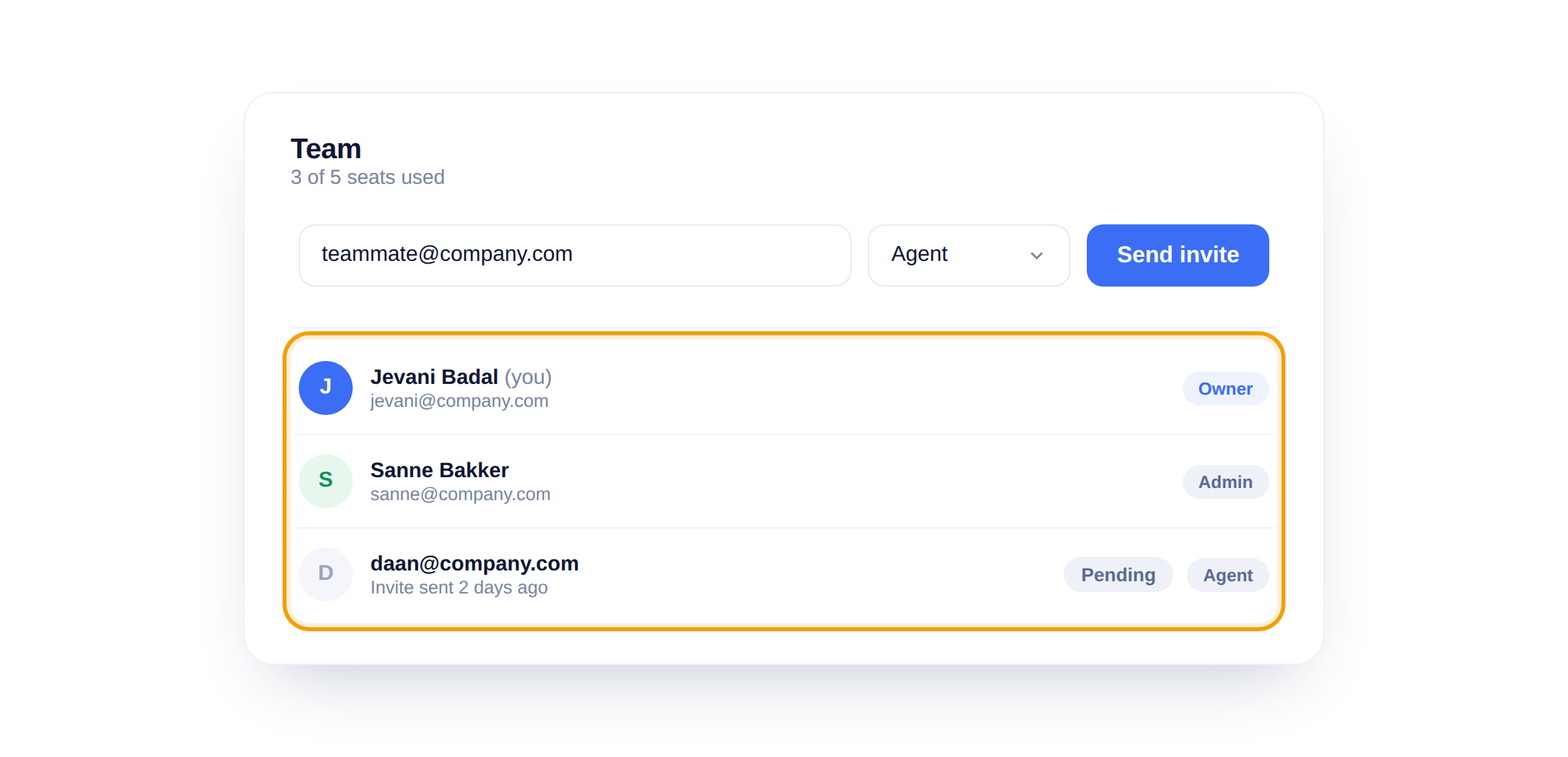
Everyone shows up in the members list with their role, and invites you have sent sit there as Pending until accepted. Your seat count is right at the top, so you always know how many you have left.
Match the role to the job
When you invite someone, set their role then and there. An agent who only needs the inbox should not start as an admin.
Did this answer your question?
Still need a hand?Email our team and we answer within one business day.