Upgrade, downgrade and invoices
Your subscription is yours to change any time. Move up when you grow, down when you need to, and pull invoices for your records, all from the billing screen.
Change your plan
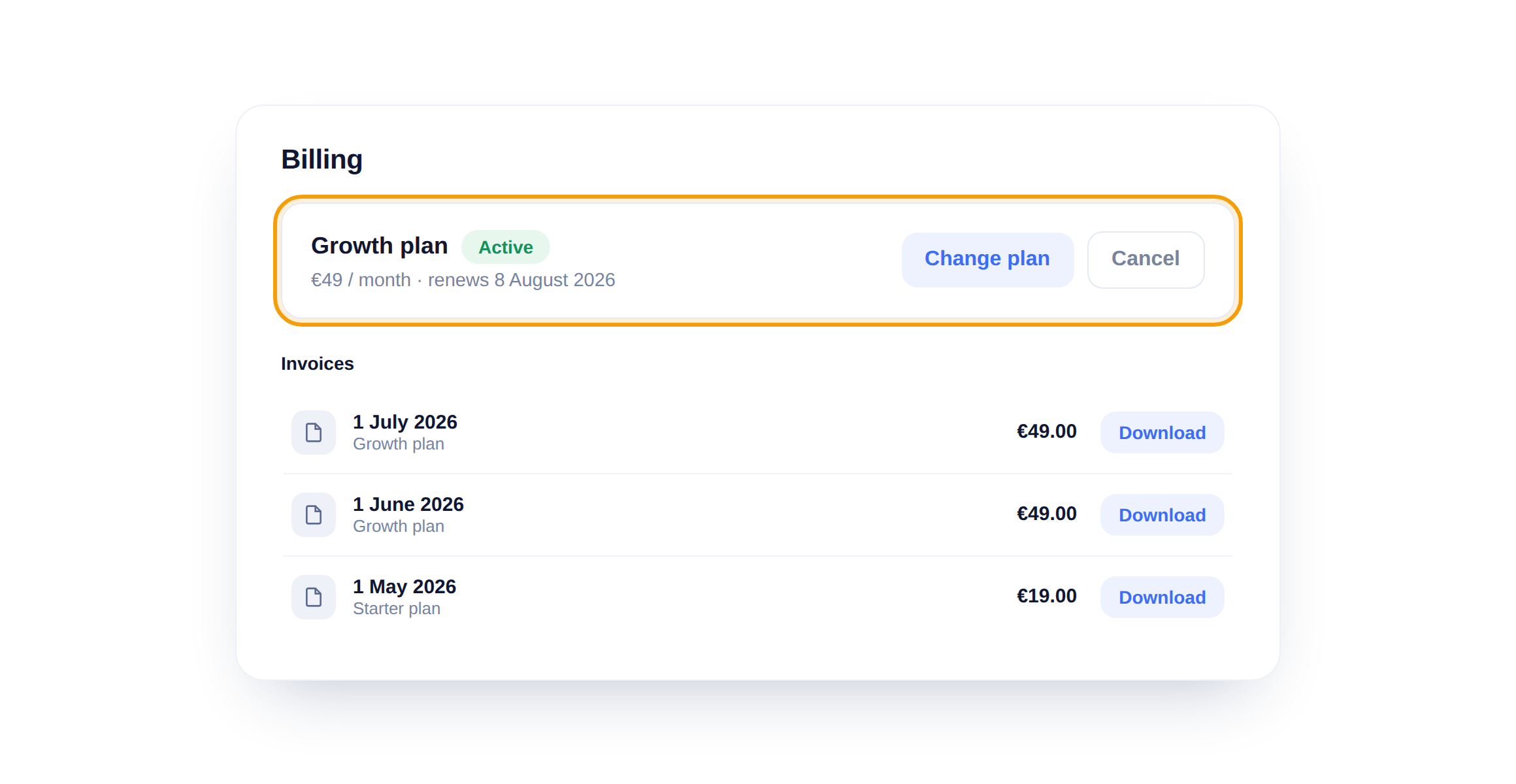
Your current plan sits at the top. Click Change plan to move up or down, the new price is prorated so you only pay the difference for the rest of the month. Cancel stops the renewal but leaves you access until the period ends.
Download an invoice
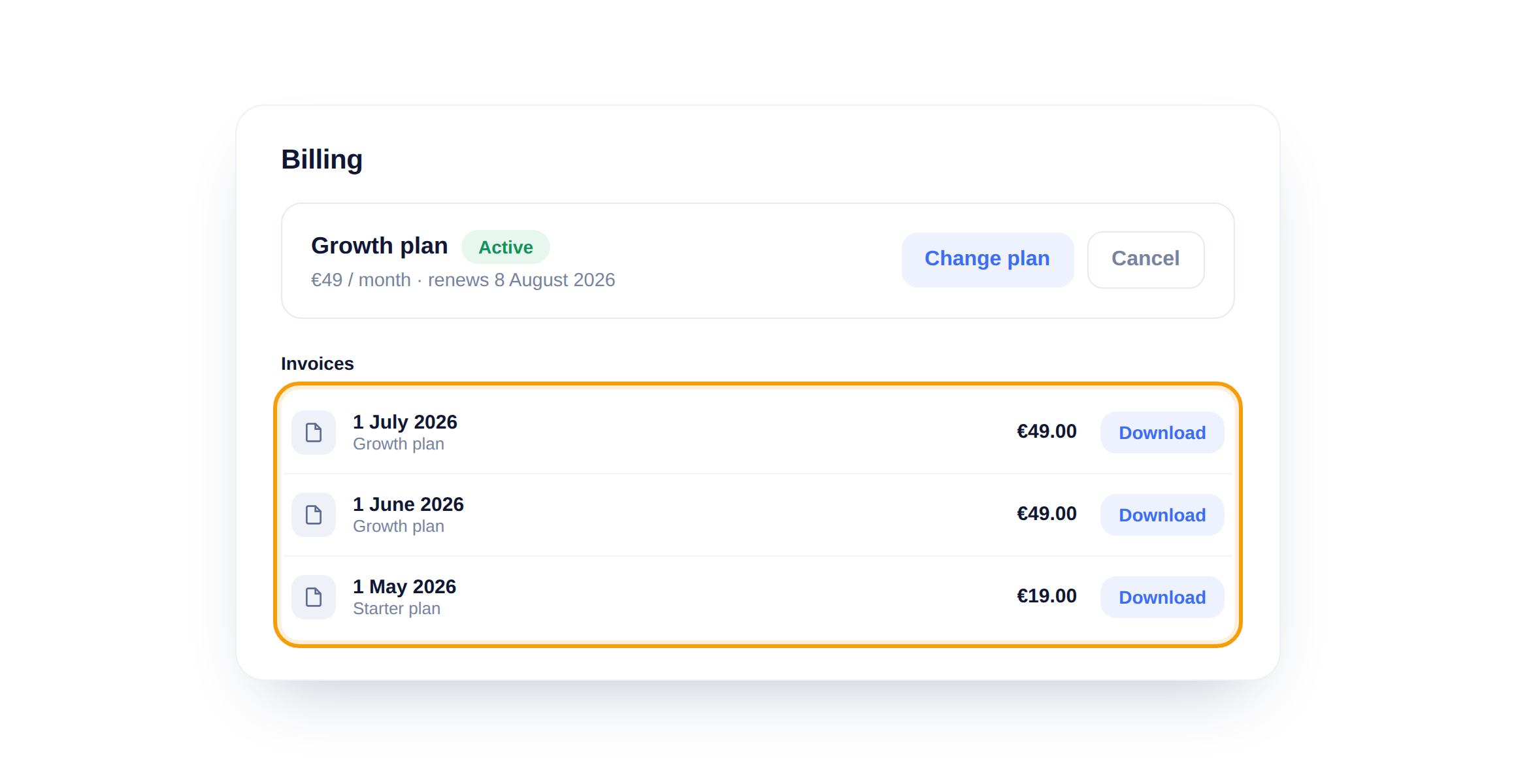
Every payment shows up under Invoices with a Download button. Grab a PDF whenever finance needs one, no email hunting required.
Mind your seats when downgrading
If you drop to a smaller plan, make sure your team still fits its seat limit first. Remove any extra teammates before you downgrade so nothing is cut off unexpectedly.
Did this answer your question?
Still need a hand?Email our team and we answer within one business day.